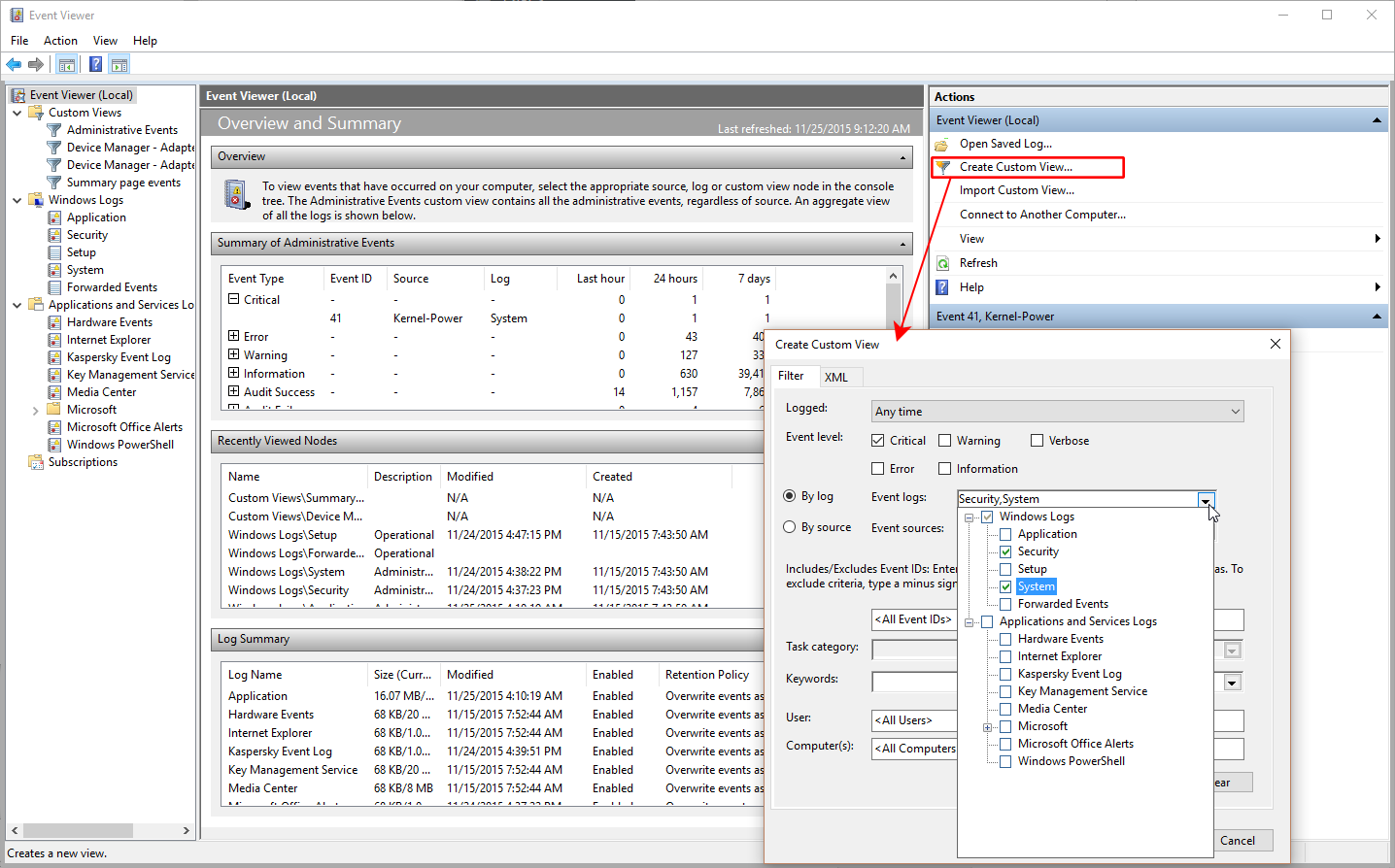
Should your PC run into trouble, here is how to find Windows 10 crash logs on your PC. It is quick and easy if you know where to start.
Mastering Digital Arts for Web, Video, Mobile, IoT (and Space Travel)
Should your PC run into trouble, here is how to find Windows 10 crash logs on your PC. It is quick and easy if you know where to start.

Having trouble with Feedburner? Ocassionally, the MyBrand feature may be giving you a 404 error. The good news: there is an easy fix. And if it does not work, we show you what you need to do.
MyBrand allows you to use your own domain name in your feed’s URI while still collecting Feedburner stats. This is extremely important: should you ever want to or have to quit using Feedburner, your subscribers are all yours. Without MyBrand, you can’t even switch to another feed delivery service because you would loose all your subscribers. With MyBrand, this will not happen because you control the domain.

Unfortunately, the MyBrand feature is not always easy to tame. Many users encounter a 404 error when trying to access their branded feeds.
When running Apache with PHP on a Unix/Linux server, you can find the location of the php.ini file easily. Open a terminal window and type:
php -i | grep php.ini
The server will respond with something like this:
Configuration File (php.ini) Path => /some/path/directory

Loaded Configuration File => /some/path/directory/php.ini
The php.ini file includes the active configuration of the PHP interpreter. To ensure that this file cannot be misused, you should set user privileges on it to 640:
cd /some/path/directory/

sudo chmod 640 php.ini